

Senders Overview
Senders Listing
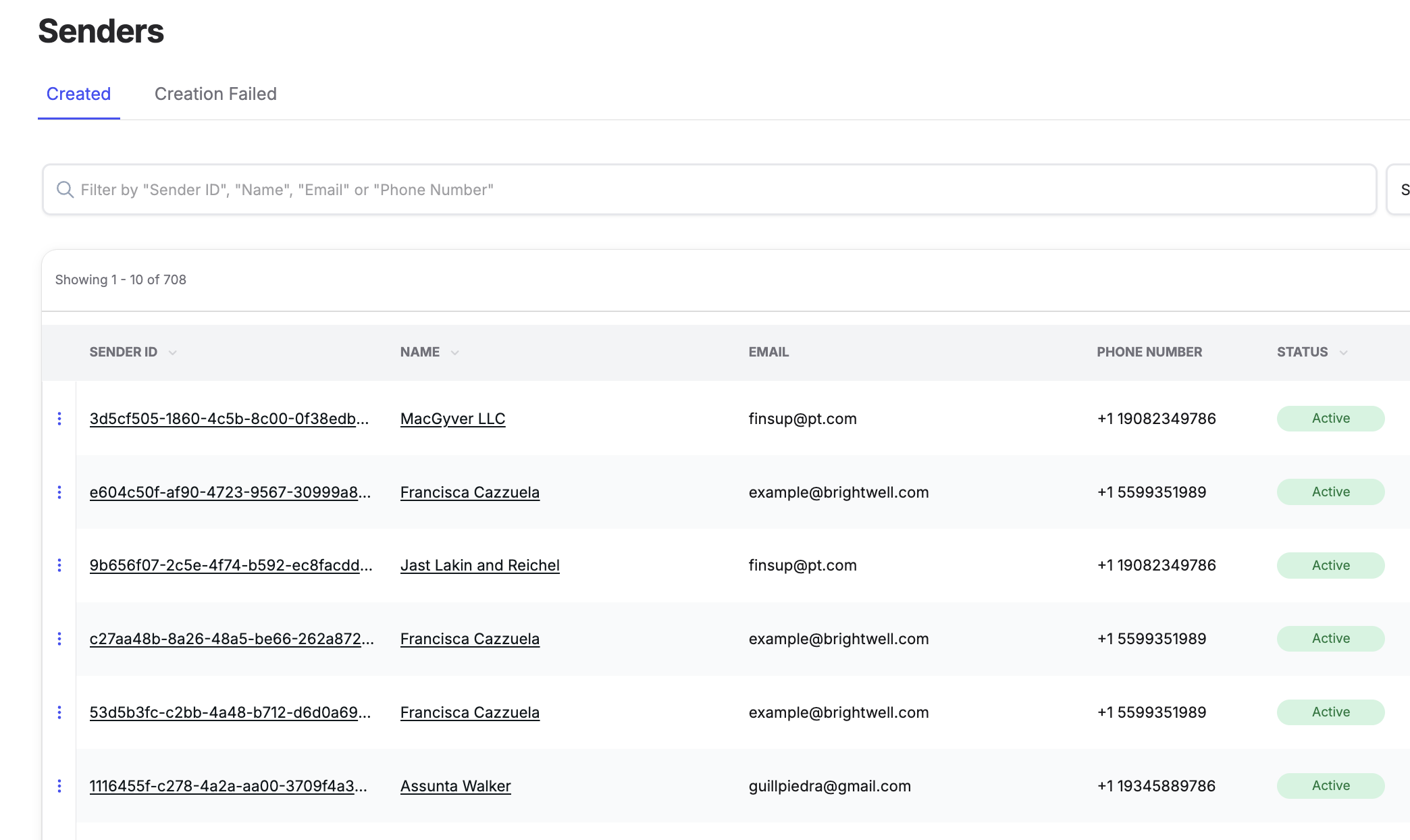
The Senders page displays all senders created in ReadyRemit for your organization.
From this page you can:
- Search by Sender ID, name, email, or phone number
- Filter by sender status (active / inactive)
- View sender "Verified" status
- Export the filtered sender list to CSV (if enabled)
- Click a Sender ID or name to navigate to the Sender Details page
- Review any senders that were unable to be created to identify issues. See more information on sender creation issues here.
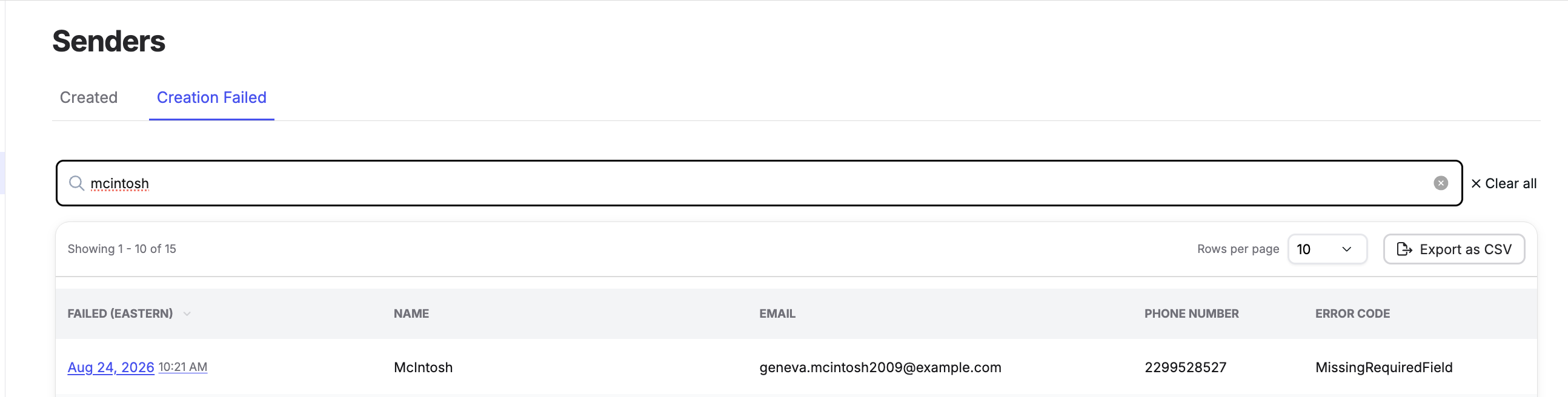
Tip: Hovering over any underlined value in the senders table allows you to copy it to your clipboard quickly.
Deactivate / Reactivate Senders
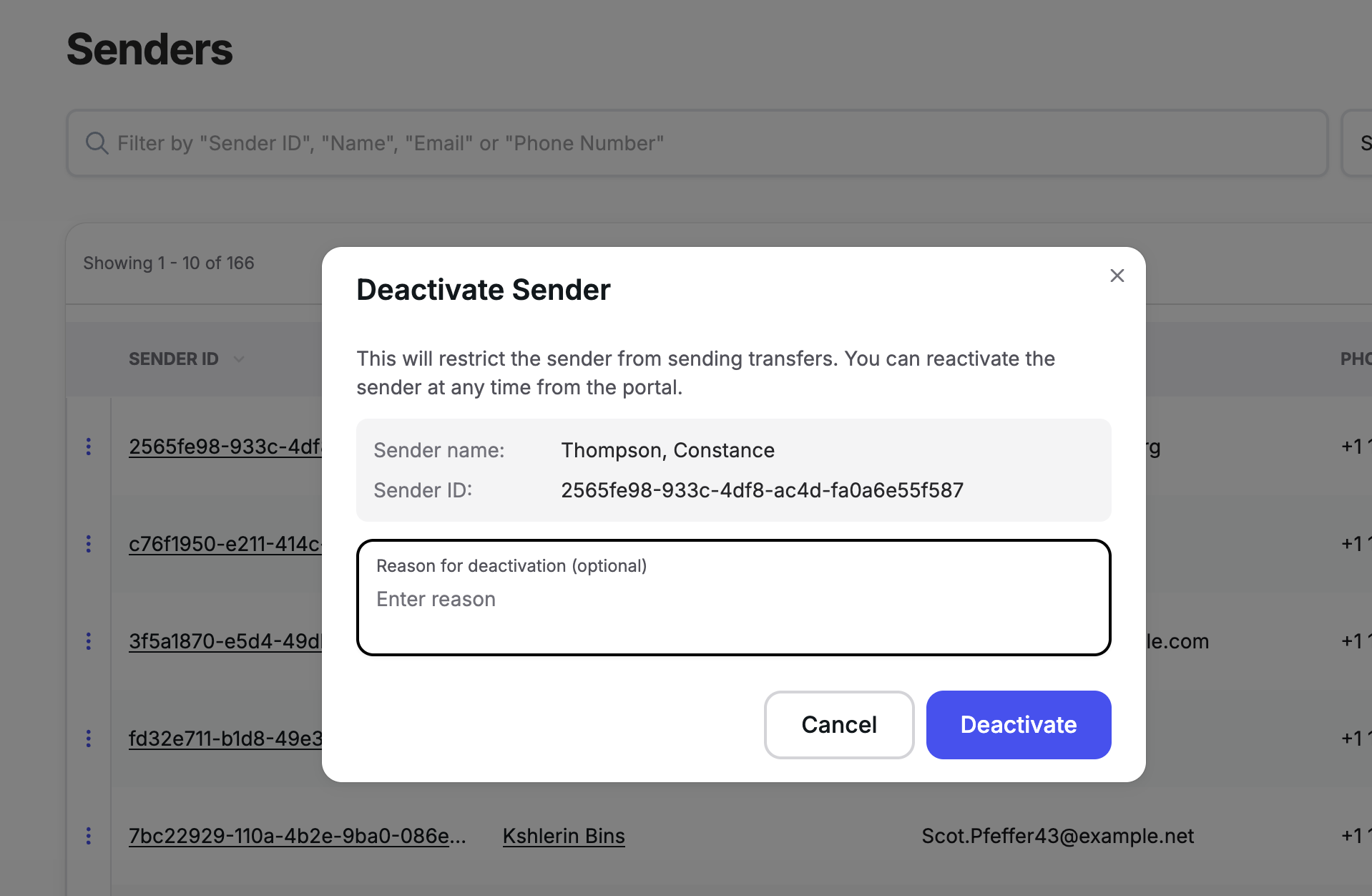
Admins can now deactivate a sender directly from the sender listing page to quickly stop suspected fraudulent activity. Deactivation Reactivation is available to users with an admin role, shows a clear "Inactive" indicator on the relevant screens, and is recorded in the activity log.
Sender Details
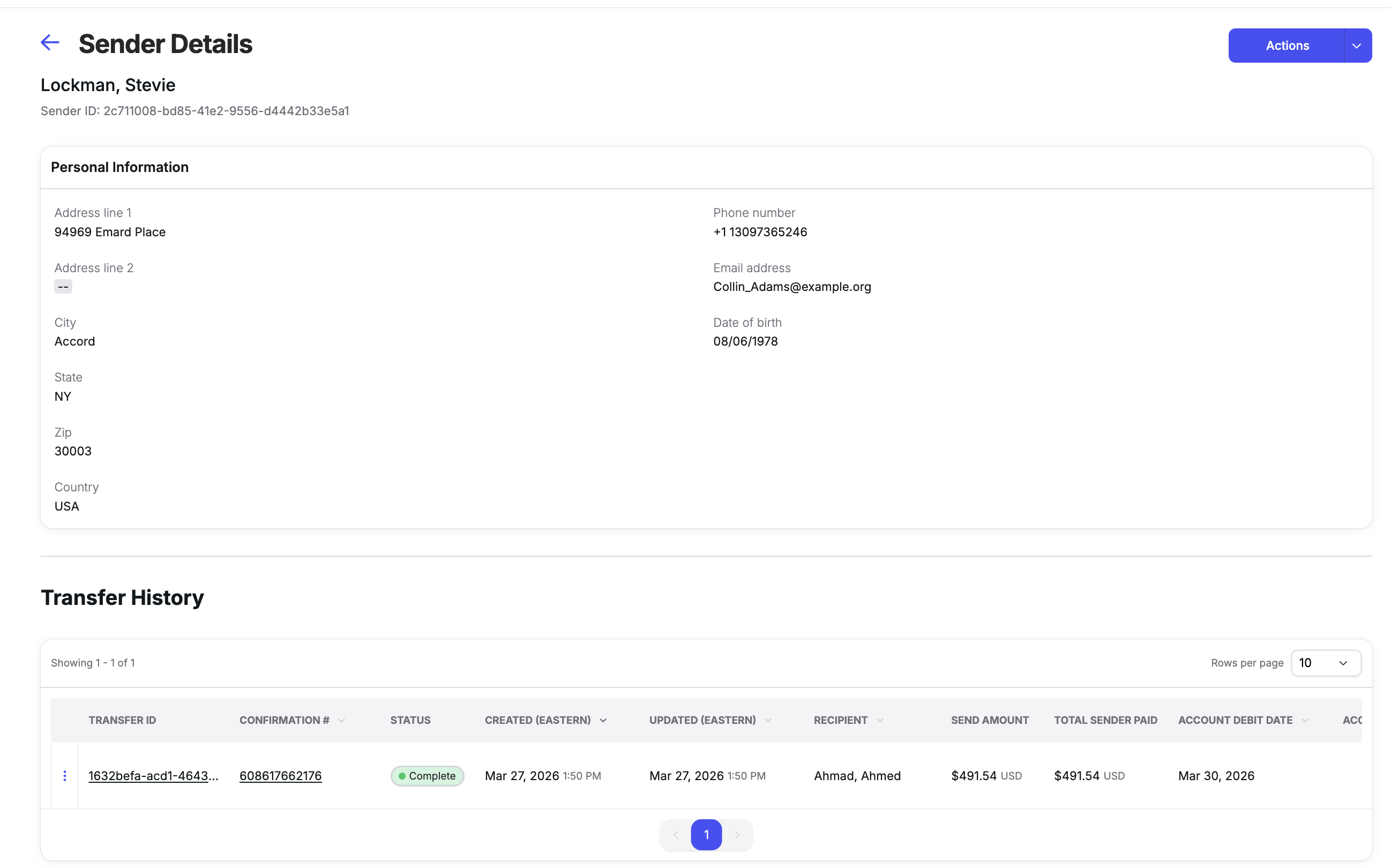
The Sender Details page provides a complete profile for an individual sender, including their full transfer history. This is your primary tool for responding to sender-specific customer service inquiries.
The page includes:
- Sender ID and full personal information (name, address, phone number, date of birth, email)
- Complete transfer history for that sender
- The ability to click any transfer to navigate directly to its Transfer Detail page
- The ability to deactivate or reactivate senders (for admin users)
- Option to export the sender's transfer history to CSV (if enabled)
Updated 13 days ago
Did this page help you?