

Activity Log
Overview
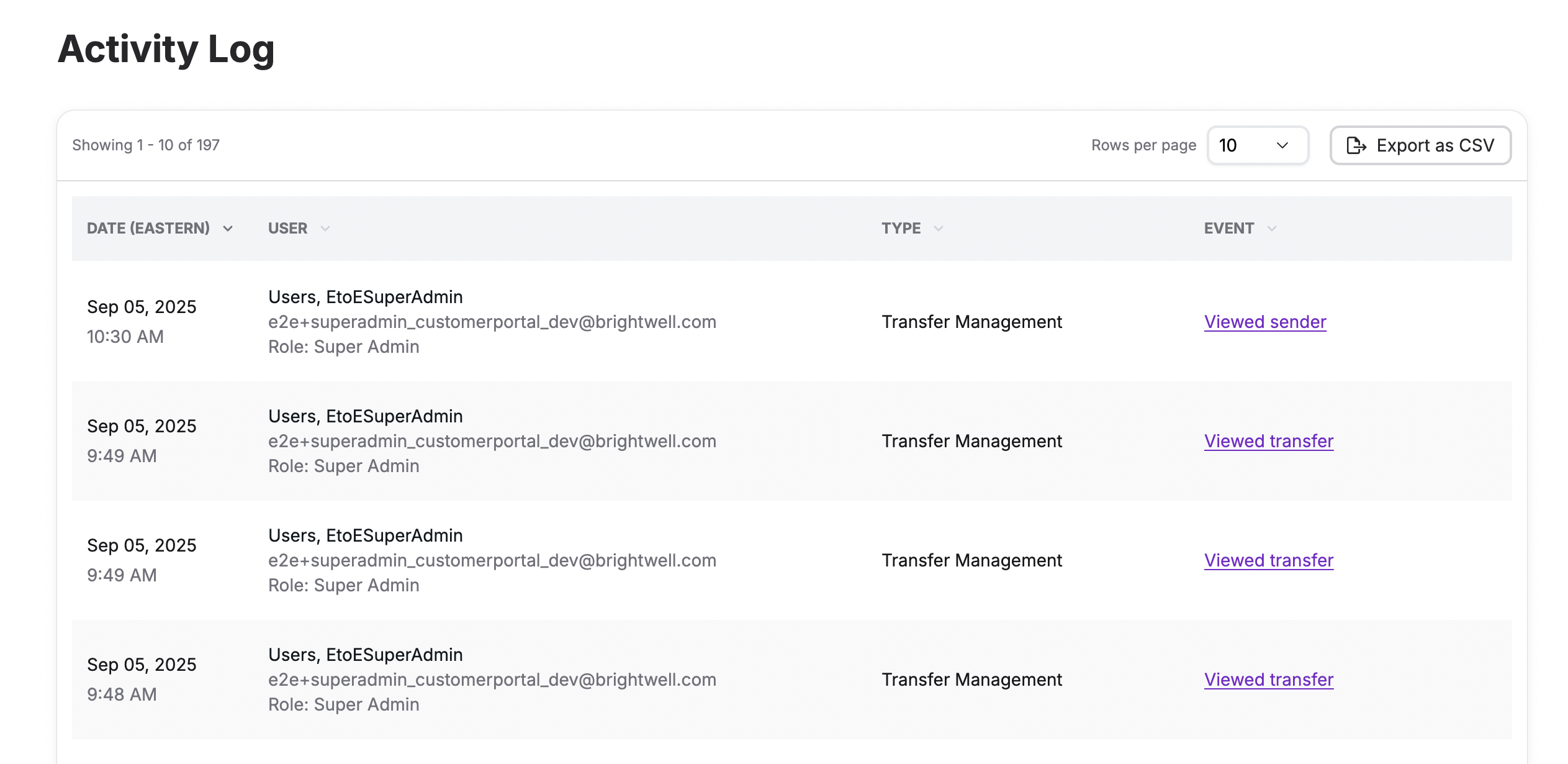
The Activity Log (labeled Activity log in the portal navigation) provides a complete audit trail of all changes made within the portal. Only visible to Admin role users.
From the Activity Log, Admin and Finance users can:
- Sort activity by date
- See the date and time of each change, the action taken, the related transfer or sender, and who performed it. Activity currently tracked in the log includes:
- Inviting a user to the portal
- Users Logging In / Out
- Viewing Transfer / Sender Details
- Downloading E-receipts
- Generating CSV Exports
- Create Support Tickets
- Canceling a transfer
- Deactivate / Reactivate Sender
- Deactivate / Reactivate Recipient
- Export the full activity log to CSV (if enabled for your organization)
The Activity Log is a key tool for auditing portal access and changes, especially useful during compliance reviews or when investigating an issue with a specific transfer or user action.
Updated about 1 month ago
Did this page help you?